
01Where double bookings actually come from
Most rental shops run on some mix of a booking widget, a fleet spreadsheet, payment links and an inbox. Each of those is reasonable on its own. The trouble is that none of them share stock.
- The widget sells “a medium” because it only knows how many mediums you own, not which ones are out.
- The spreadsheet knows which frames you own, but not what was booked online at lunchtime.
- A bike pulled for a tour or a repair stays on sale until somebody remembers to block it.
- A guest who abandons checkout can leave a bike reserved, or not reserved at all, depending on the tool.
02Track frames, not counts
The single biggest fix is to stop thinking in quantities. A medium gravel bike with a worn chain and a medium gravel bike fresh from a service are not the same unit, and your calendar should know the difference.
Give every bike its own record: size, barcode, service history and its own calendar. You can still sell by category on your storefront (“any medium gravel bike”), but the booking is held against a real frame.
03Put every channel on one calendar
Online, phone, walk-in and staff bookings all need to read and write the same availability at the moment they’re made. If your counter takes walk-ins on a tablet that syncs every ten minutes, you have a ten-minute window for a double booking every time.
Rule of thumb
A booking that arrives through any door should pass the same checks: real availability, terms, waiver and payment.
04Let tours and repairs take bikes out
Bikes committed to a guided tour, or held back for a service, should disappear from the hire pool on their own. Any process that depends on someone remembering to block a bike will eventually fail on a busy morning.
05Release what nobody paid for
Unfinished checkouts are the quiet cause. Hold the bike while the guest pays, send a reminder partway through, and release it automatically when the window runs out. Pick a window that fits how your guests book: minutes for same-day hire, longer for trips booked weeks ahead.
When something is sold out, a waitlist is better than a dead end. Offer the bike to the next guest in line as soon as it frees up, with a short hold so the offer means something.
A five-minute check for your shop
Can two people sell the same bike at the same moment through different channels?
Do you know which exact frame each guest is riding today?
Does a bike booked on a tour or in for repair come off sale by itself?
What happens to a bike when a guest abandons checkout?
Where does a guest go when you’re sold out?
How RideLoop handles it
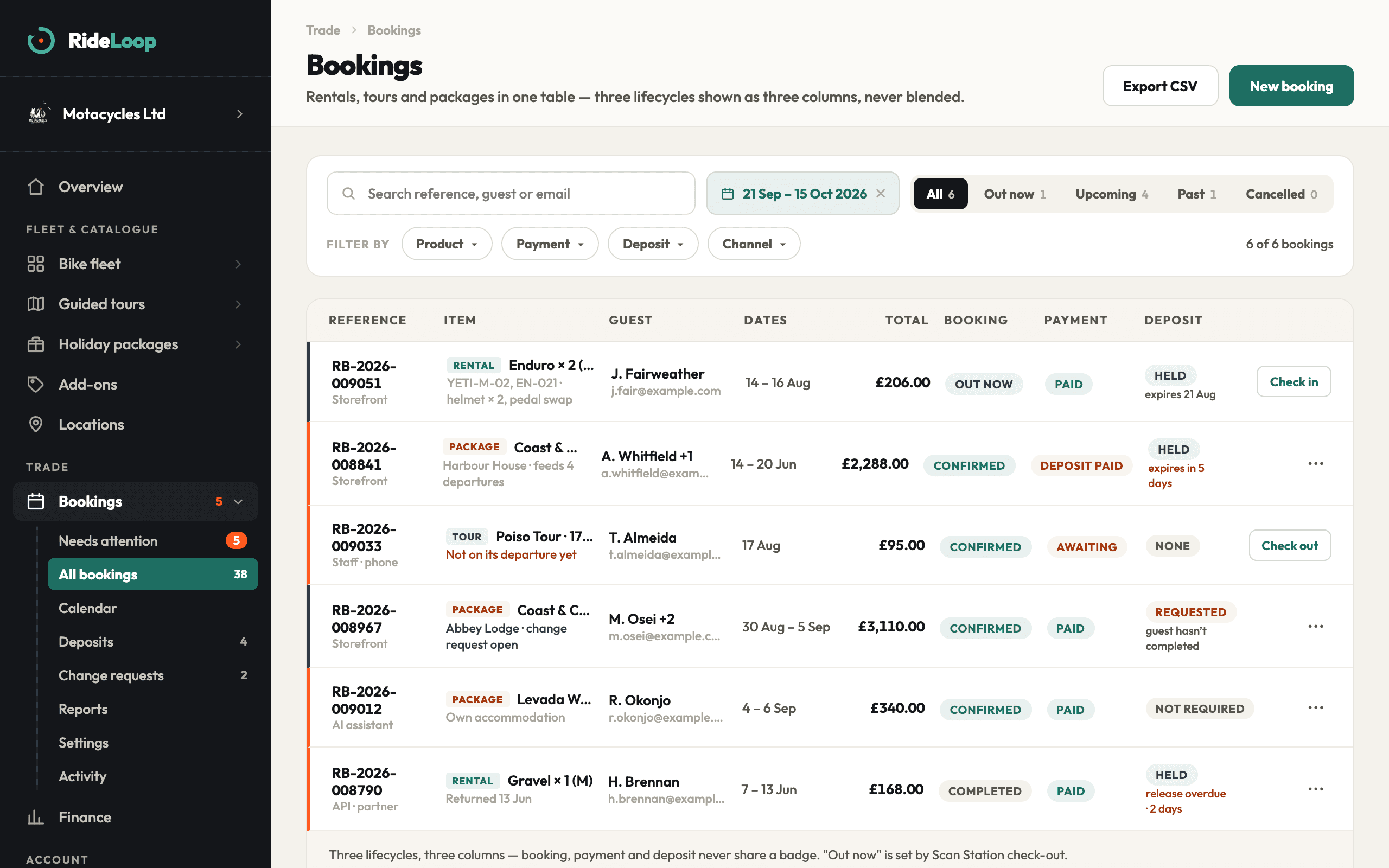
RideLoop tracks every frame as its own unit, with one calendar shared by the storefront, the counter, phone quotes and the AI assistant. Bikes committed to a tour or due for service leave the hire pool automatically. Unfinished checkouts get a reminder halfway through a hold window you set, from 10 minutes to 24 hours, and release themselves when it ends. The waitlist offers freed bikes with a four-hour hold.
See how bookings work →
Bruno Mota
Founder and CEO, Motacycles Ltd
Bruno runs Motacycles, a bike shop and workshop, and builds RideLoop on the same counter. More about the team